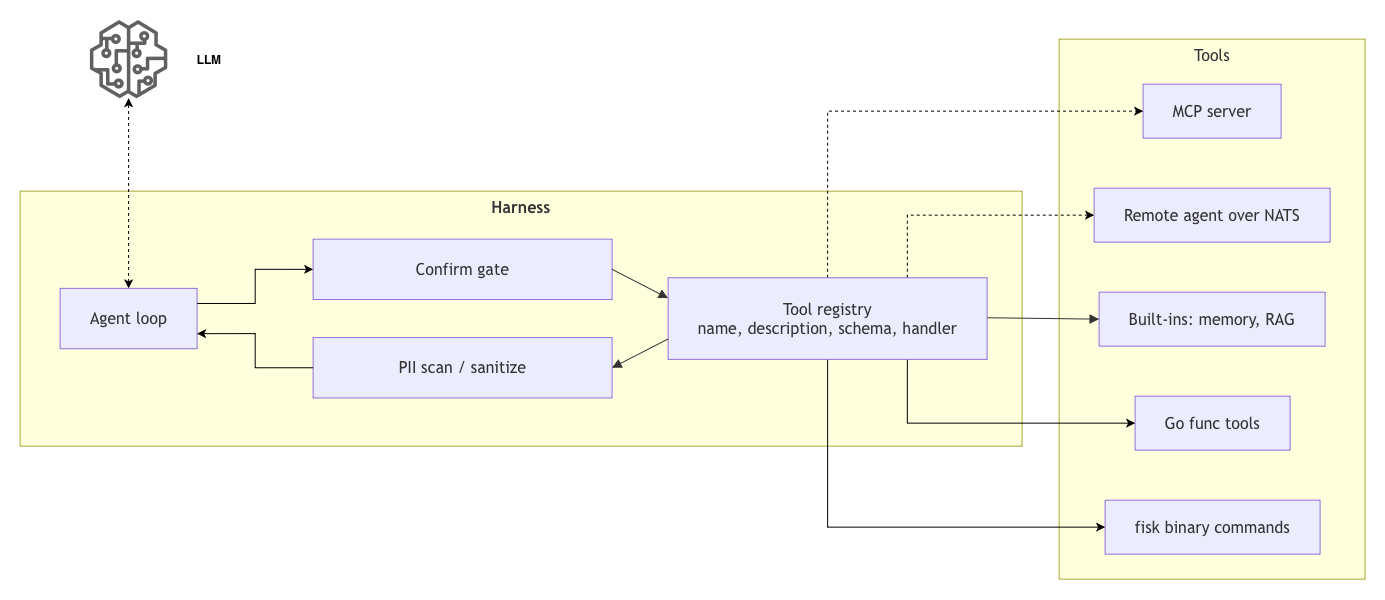
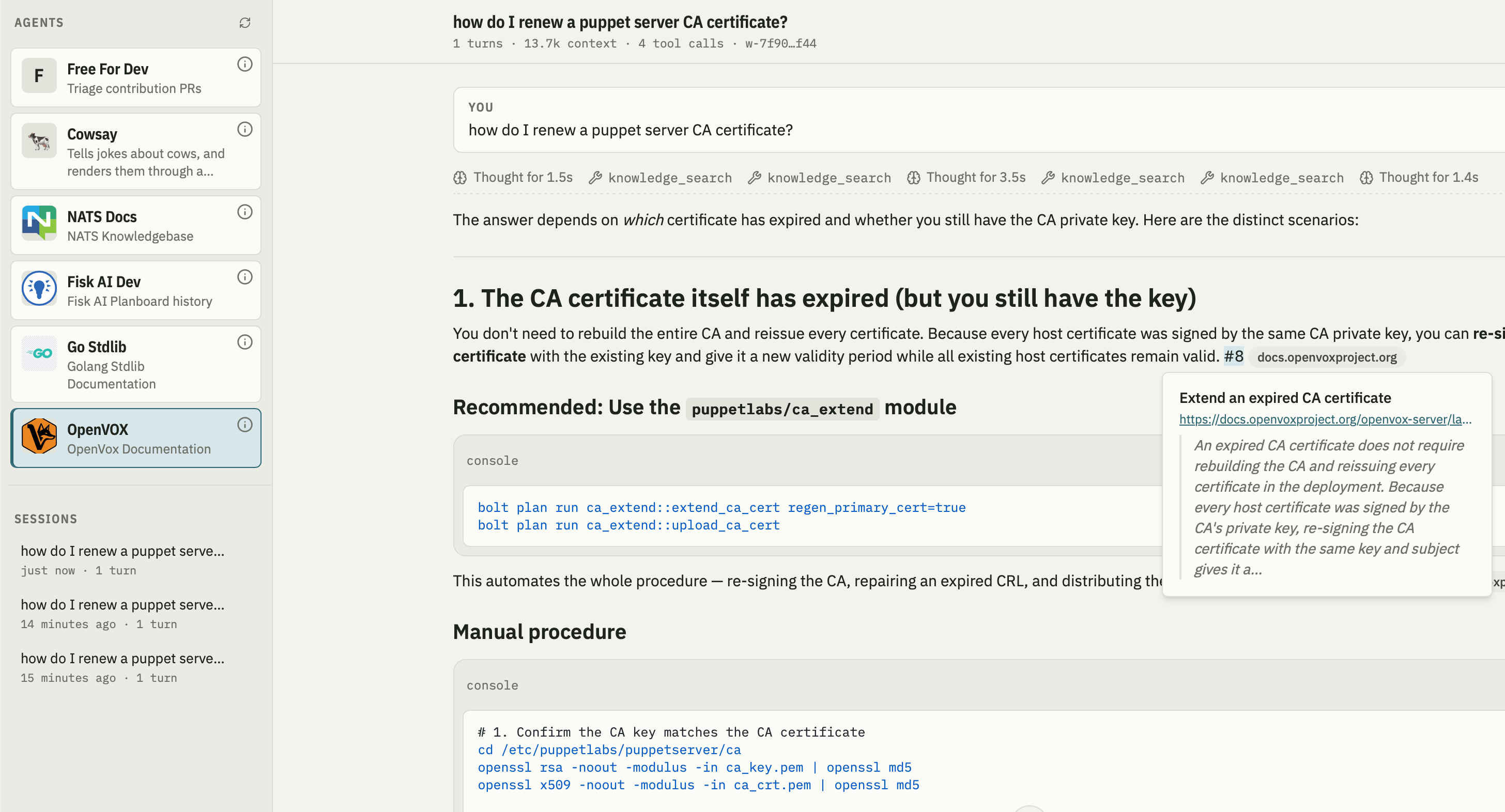
In my previous post I covered the topic of Tool Calling. In that post I kind of jumped ahead in the Harness topic skipping over the actual loop the tools plug into.
I did that on purpose, I wanted to show that arguably the most important capabilities of the harness are all provided by something we’ve all been doing for decades - a simple callback handler. I wanted to demystify the topic a bit and show that quite simple primitives unlocks a lot of capability.
This does beg the question: Why if this is such a simple thing did I feel the need to devote 3,000 words to that one topic?
The reason is that we are working with exceptionally constrained resources. The context is finite and inefficient.
- The Context is small, the 1M token contexts of the frontier models are an absolute luxury, I often run my constrained Agents with 32K tokens or smaller contexts.
- The entire system is stateless requiring the harness to manage it. No help is coming, managing this resource is 100% up to the harness.
Most of us have either forgotten what it means to compute in constrained resources or were born in a time of abundant CPU or Memory resources.
It is these limitations that makes it necessary to manage the cache, perform progressive disclosure, do compactions and countless other techniques - that’s where the complexity lives.
If we had infinite contexts there would be no need for a lot of what we call breakthroughs in AI - no need for complex RAG systems, no need for progressively disclosed skills, no need for complex tool management etc.
So let’s start at the basics, we build a simple agent loop that will allow you to keep querying the agent in turn after turn.
Here is our earlier example made slightly more complex:
 1func main() {
 2	client := anthropic.NewClient() // reads ANTHROPIC_API_KEY
 3
 4	params := anthropic.MessageNewParams{
 5		Model:     "claude-opus-5",
 6		MaxTokens: 1024,
 7		System: []anthropic.TextBlockParam{
 8			{Text: "You are a terse assistant. Answer in one sentence."},
 9		},
10	}
11
12	in := bufio.NewScanner(os.Stdin)
13	for {
14		fmt.Print("> ")
15		if !in.Scan() {
16			return // ctrl-d or ctrl-c
17		}
18
19		params.Messages = append(params.Messages, anthropic.NewUserMessage(anthropic.NewTextBlock(in.Text())))
20
21		resp, err := client.Messages.New(context.Background(), params)
22		if err != nil {
23			log.Fatal(err)
24		}
25
26		params.Messages = append(params.Messages, resp.ToParam())
27
28		for _, block := range resp.Content {
29			if text, ok := block.AsAny().(anthropic.TextBlock); ok {
30				fmt.Println(text.Text)
31			}
32		}
33	}
34}
When I run this I can chat with the agent and ask it anything I want, and it will give me one sentence answers:
$ go run cmd/main.go
> What is answer to life, the universe and everything?
42 — per Douglas Adams' *The Hitchhiker's Guide to the Galaxy*,
though the actual question remains unknown.

> Pick a random number between 1 and a 100
73
Read the full entry for the rest of this discussion.
[]